Kodra Play: Email Popup Game
A 15-second game that grows your email list
Instead of another spin wheel, Kodra Play shows a short paddle, flipper or pong game. Visitors enter their email, play a quick round and win a unique discount code that is auto-applied at checkout.
Free until the popup brings you $500 in sales a month. Watch the demo video (opens in a new tab)
Formerly Enigma Play.
Why not another spin wheel?
Visitors have seen it before
The same wheel shows up on store after store, so shoppers close it without reading.
Shared codes end up on coupon sites
One code for everyone gets posted online and keeps giving discounts to people who never signed up.
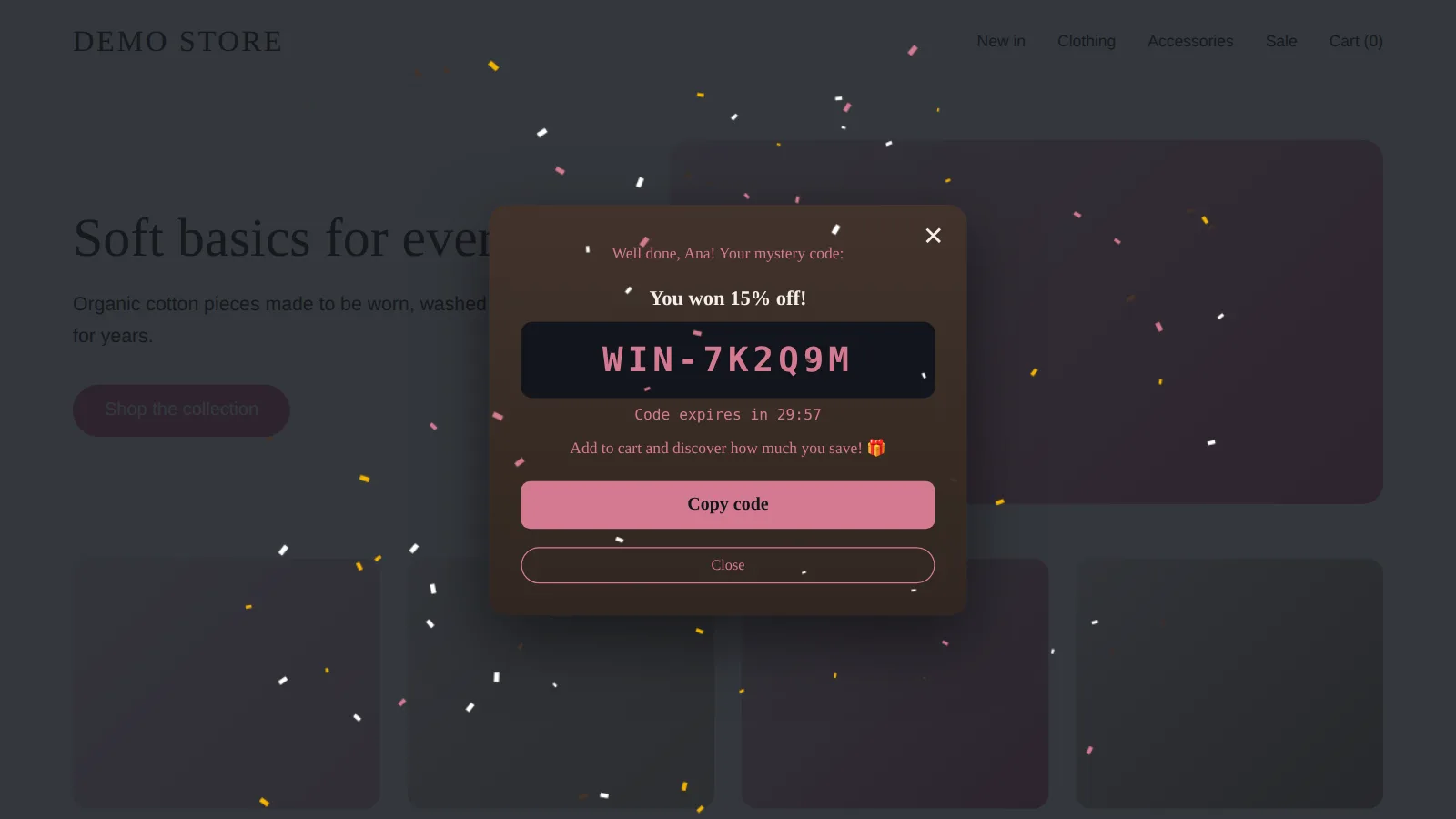
Kodra Play gives visitors a short game to win, and every winner gets their own single-use code, so a code shared online works only once.
How it works
- 1
A visitor sees the popup
After a delay, on exit intent or from a floating button, and enters their email.
- 2
They play a short mini-game
Paddle, flipper or pong, in your brand colors.
- 3
They win a unique code
Single-use and applied at checkout automatically. You get the email as a Shopify customer.
Works with any Online Store 2.0 theme via an app embed.
Features
Three mini-games
Paddle, flipper and pong. A quick round instead of another spin wheel.
Your brand colors
One click on "Use my store colors" reads your theme and fills the popup colors. No coding needed.
Unique single-use codes
Every winner gets their own discount code, auto-applied at checkout. A code shared online works only once.
Emails saved as Shopify customers
With marketing consent when the visitor opts in, ready for your email marketing tool. Optional double opt-in, with the confirmation email sent by Shopify.
Exit intent, delay and a reopen button
Show the popup on exit intent or after a delay, and let visitors reopen the game from a floating button.
Reward tiers and a real countdown
A better reward for winning on the first try, and a real expiry countdown on every code.
One discount per email
The same shopper cannot claim a code again and again.
A/B testing
Test popup variants against each other.
Analytics per popup
Views, emails, plays, wins and revenue per popup, plus desktop vs phone, traffic source and country.
Popup in 10 languages
English, German, French, Spanish, Italian, Dutch, Polish, Slovenian, Croatian and Romanian.
See it in action
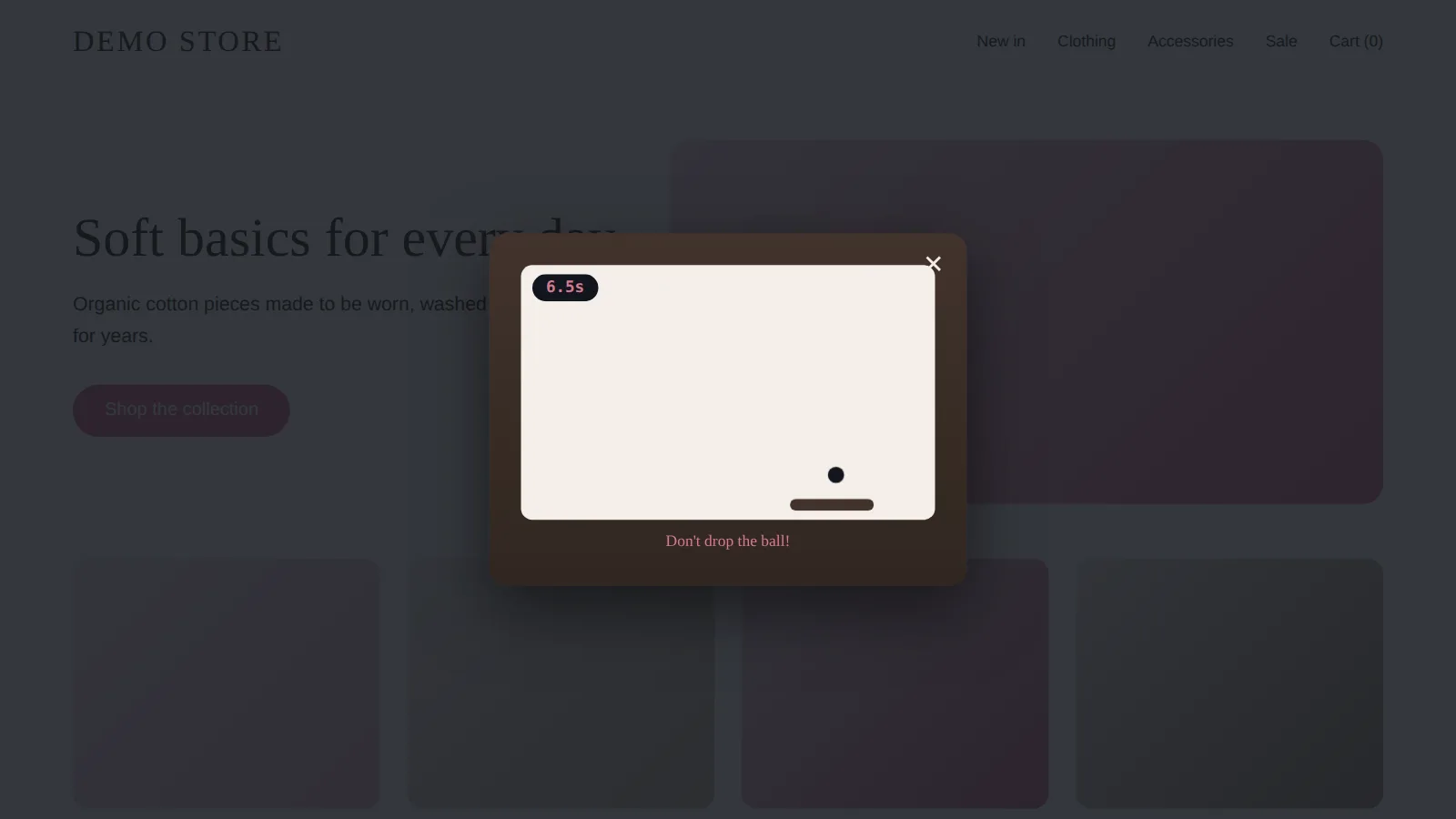
Visitors play a short game for a discount 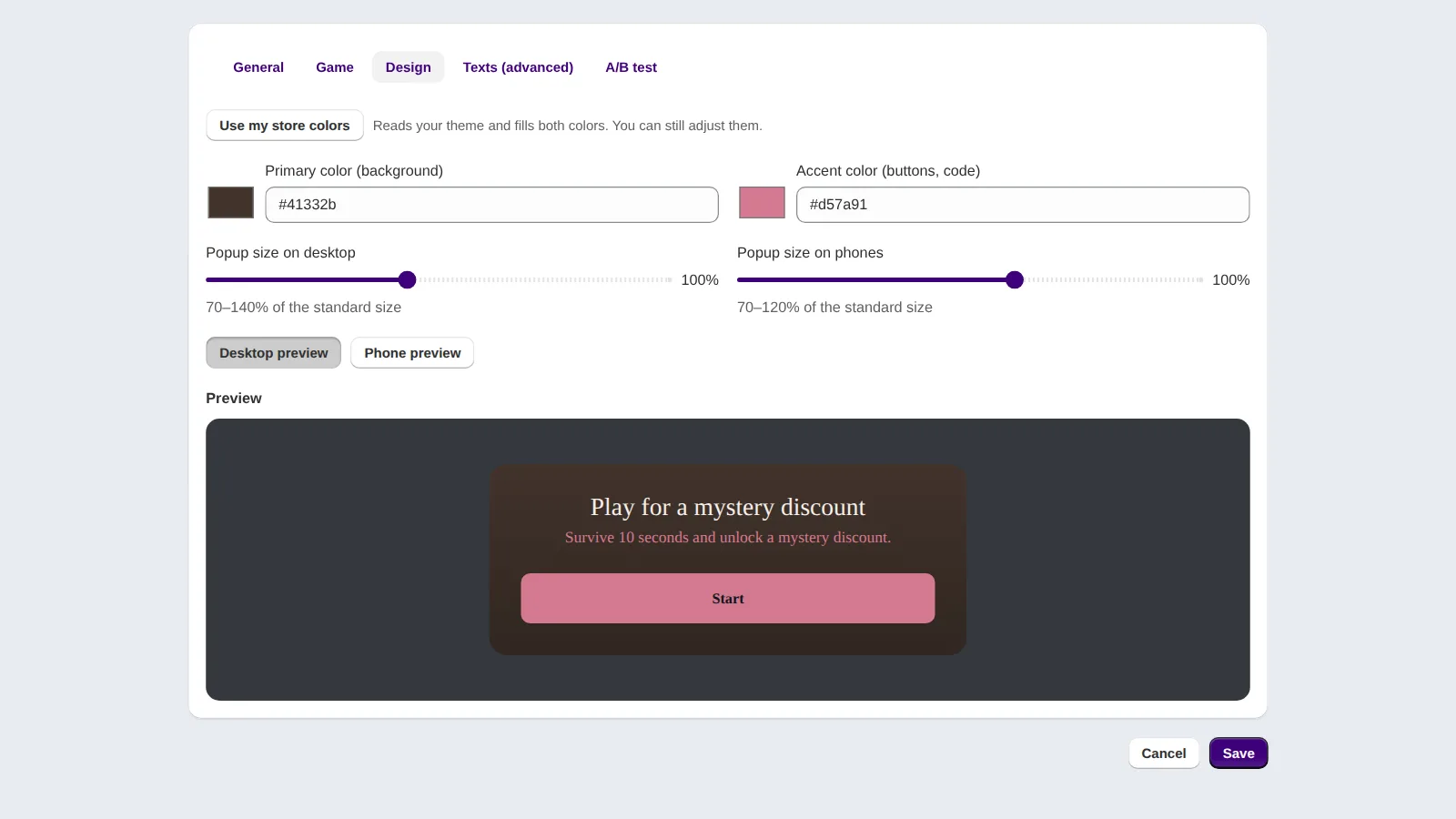
Match your brand colors, no coding needed 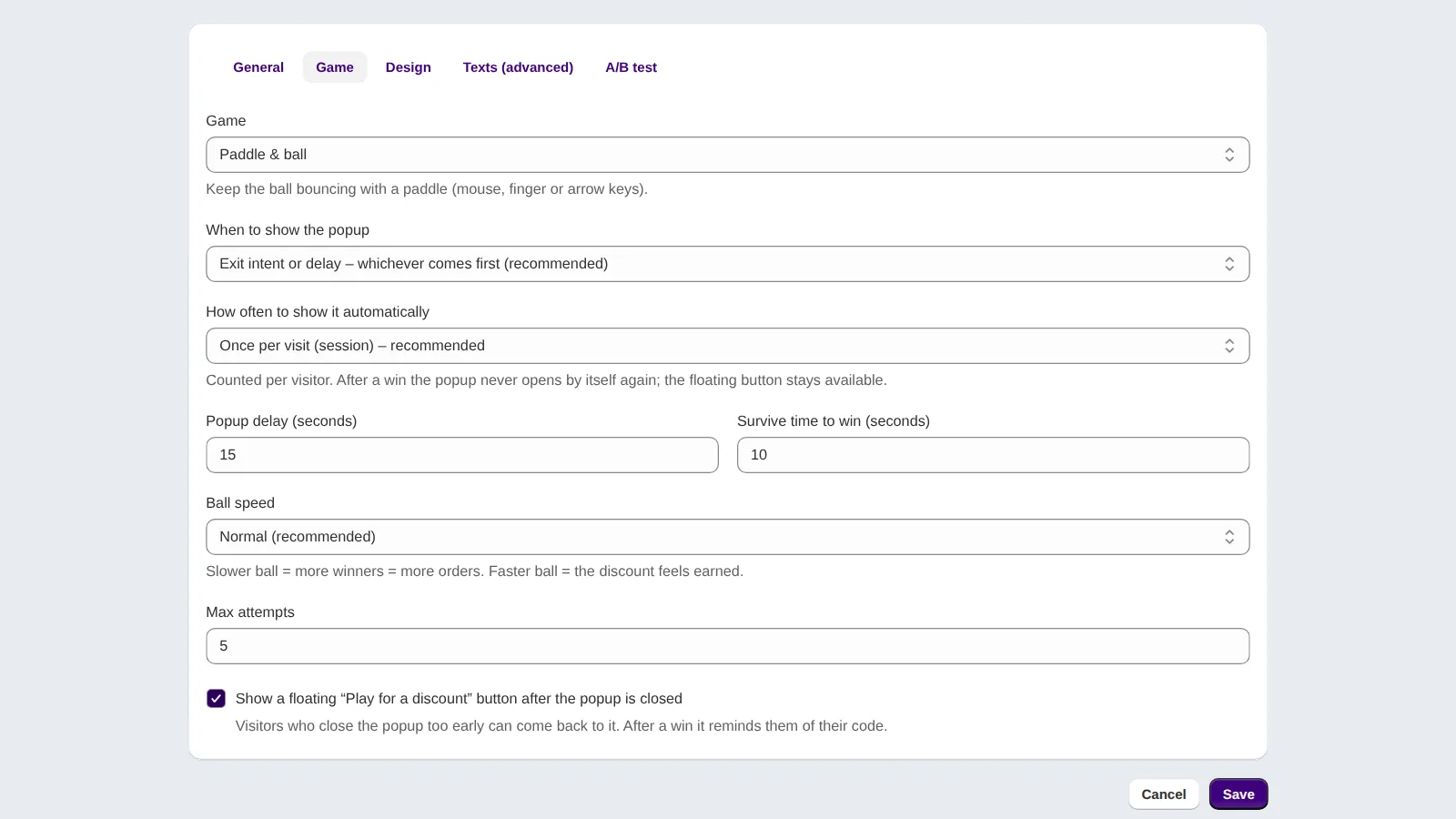
Exit intent trigger and a floating reopen button 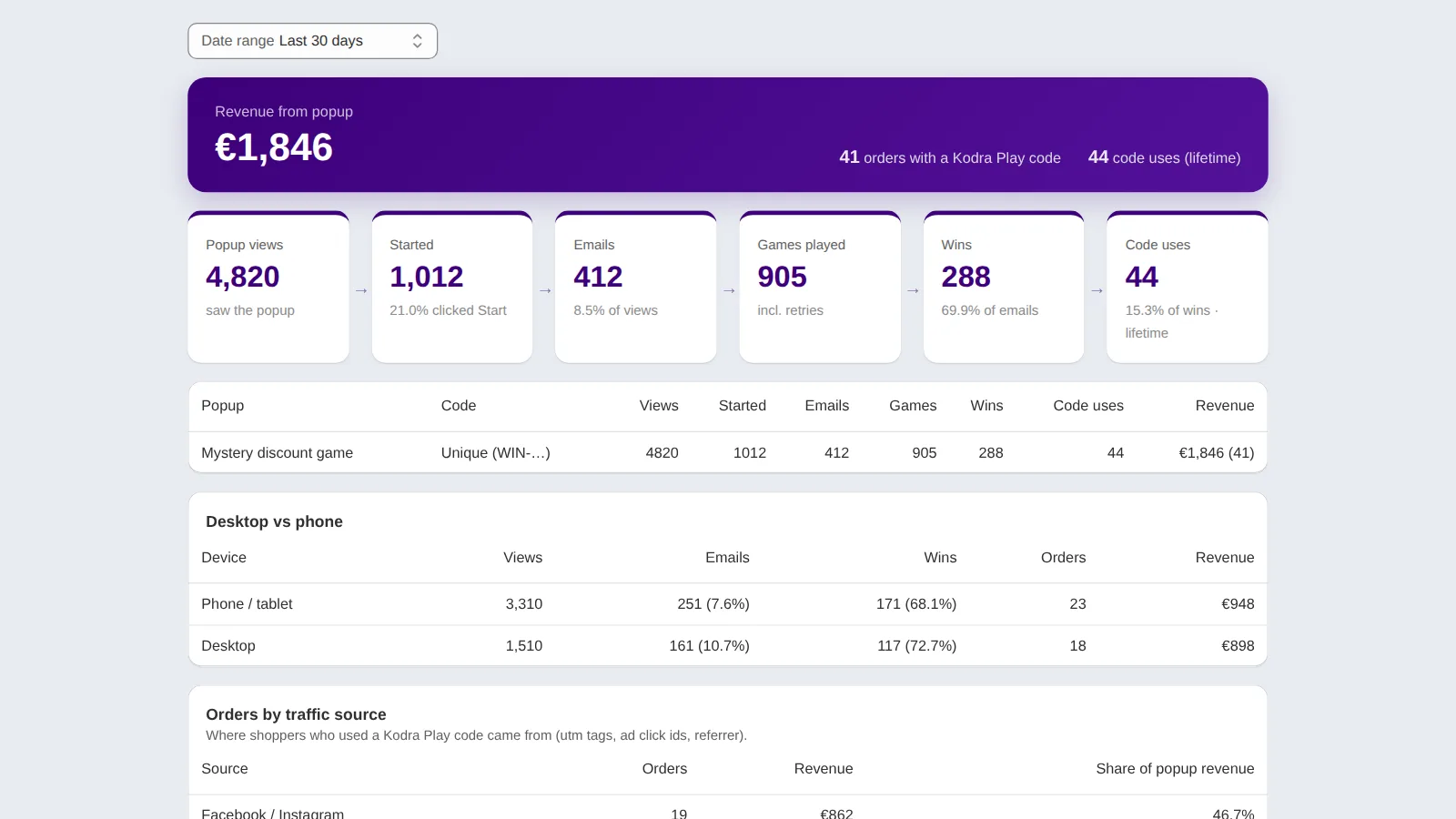
Track emails, wins and revenue per popup (demo numbers) 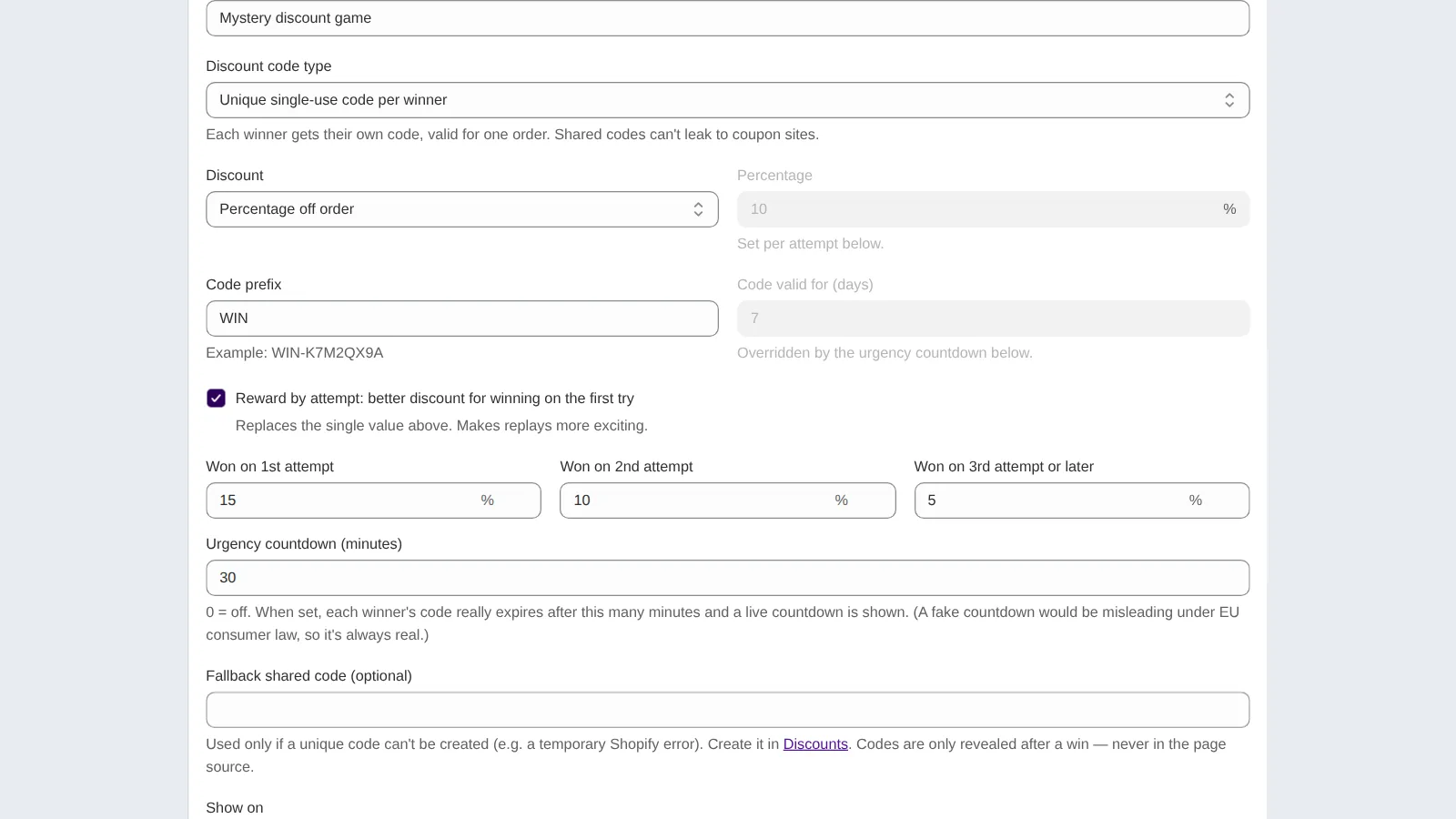
Better rewards for winning on the first try
Pricing
Free until the popup brings you $500 in sales a month.
- Start here
Free
$0 / month
Up to $500 popup revenue / 30 days
- All games and features
- Small Kodra Play icon in the popup
Standard
$9.99 / month
Up to $3,000 popup revenue / 30 days
- All games and features
- No branding
Growth
$19.99 / month
Up to $12,000 popup revenue / 30 days
- All games and features
- No branding
Scale
$29.99 / month
Unlimited popup revenue
- All games and features
- No branding
- All plans include all games and features.
- Popup revenue means orders that used a Kodra Play code in the last 30 days.
- A store that outgrows its plan keeps running for 14 days before it has to upgrade.
- Billed monthly through Shopify. All charges are billed in USD.
We set up your first popup
Free personal setup: after you install, we can set up your first popup for your store. Ask for setup
Frequently asked questions
Is Kodra Play free?
Yes. The Free plan costs $0 and includes all games and features for up to $500 in popup revenue per 30 days, with a small Kodra Play icon in the popup. Paid plans start at $9.99/month and remove the branding, so you only pay once the popup is already bringing you sales.
What counts as popup revenue?
Orders that used a Kodra Play code in the last 30 days. A store that outgrows its plan keeps running for 14 days before it has to upgrade.
Can shared codes be abused?
Every winner gets their own unique, single-use discount code, so a code shared online works only once. Each email can claim one discount, so the same shopper cannot claim a code again and again.
Where do the emails go?
Straight into your Shopify store as customers, with email marketing consent only when the visitor opts in. Double opt-in is optional, and Shopify sends the confirmation email. Kodra Play does not store names or email addresses on its own servers.
Does it work with my email marketing tool?
Kodra Play saves emails as Shopify customers, with marketing consent when given. Email marketing tools that sync customers from your Shopify store can pick them up from there.
Does it work with my theme?
Works with any Online Store 2.0 theme via an app embed. No coding needed.
Which games can visitors play?
Paddle, flipper and pong, in your brand colors. You can also A/B test popup variants.
Which languages does the popup support?
The storefront popup is available in 10 languages: English, German, French, Spanish, Italian, Dutch, Polish, Slovenian, Croatian and Romanian.
Can you help me set it up?
Yes. After you install, we can set up the first popup for your store for free. Email info@enigma101.com.
Is it GDPR friendly?
The app and its database are hosted on Fly.io in Frankfurt, Germany (EU). Names and emails are not stored on our servers, popup statistics are anonymous counts without IP addresses or cookies, and the app supports Shopify privacy requests (customers/data_request, customers/redact, shop/redact). The privacy policy has the details.
What happens when I uninstall?
Access tokens are deleted immediately. All remaining store data in the app (settings, statistics, email hashes, order records) is deleted when Shopify sends the shop/redact request, 48 hours after uninstalling. Customers, discount codes and orders live in your Shopify store, not in the app.
More help: getting started guide and support.
Try it on your store
Install Kodra Play free. After you install, we can set up your first popup for you.